How to Make a KDP Book Cover (Step by Step, Free)
This guide walks you from a blank page to a print-ready KDP cover using the free Veritas Canvas studio — no design experience needed.
A KDP cover comes together in three steps: pick the trim size and get the spine from your page count, apply a ready-made genre design, and export a 300 DPI print-ready file. In Veritas Canvas the whole process is free — no sign-up, no watermark.
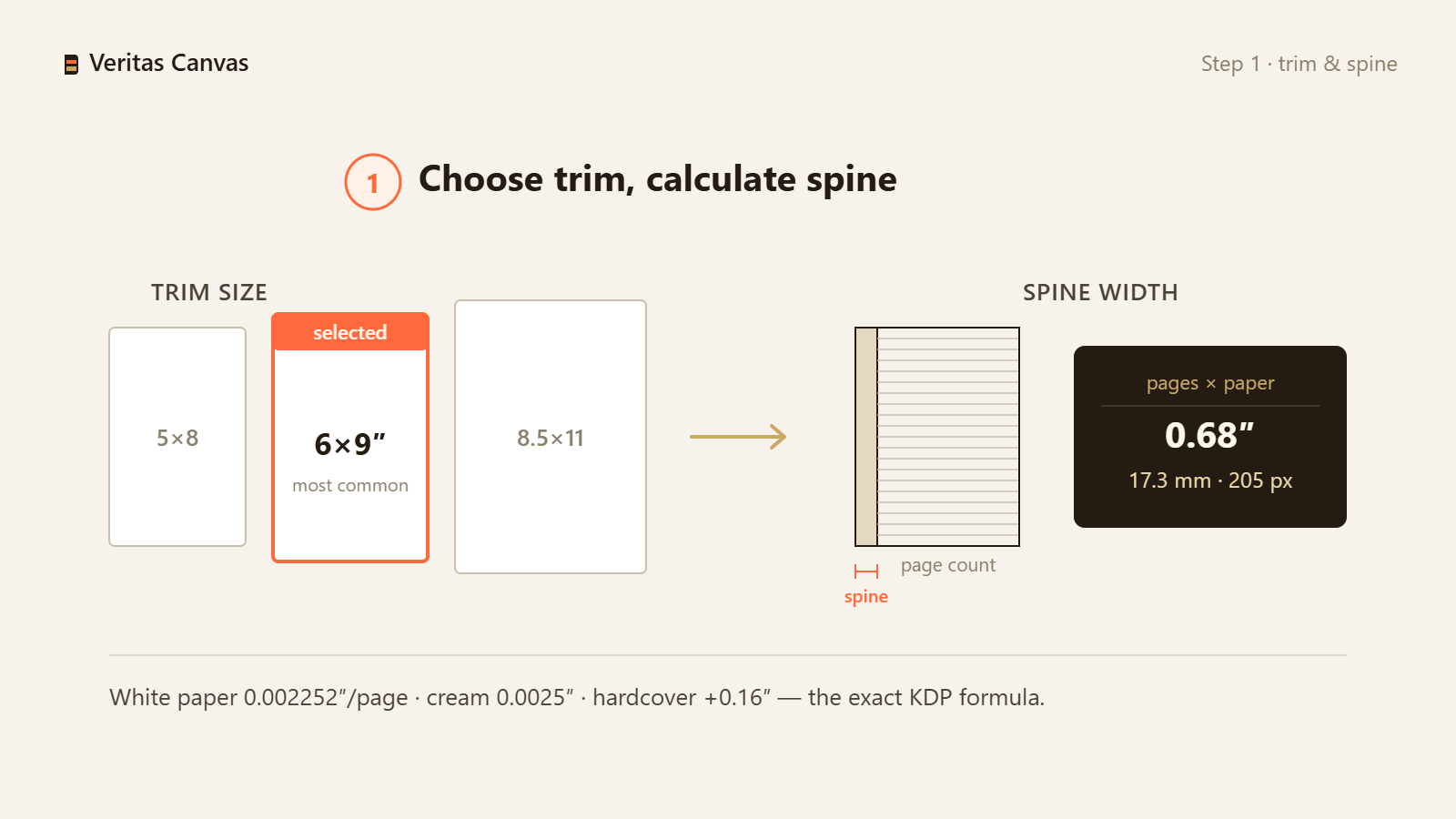
1. Pick your trim size and calculate the spine
Most KDP paperbacks use 6×9 inches. Your spine width depends on page count and paper — get the exact number with our spine width calculator, then keep it handy for step 6.
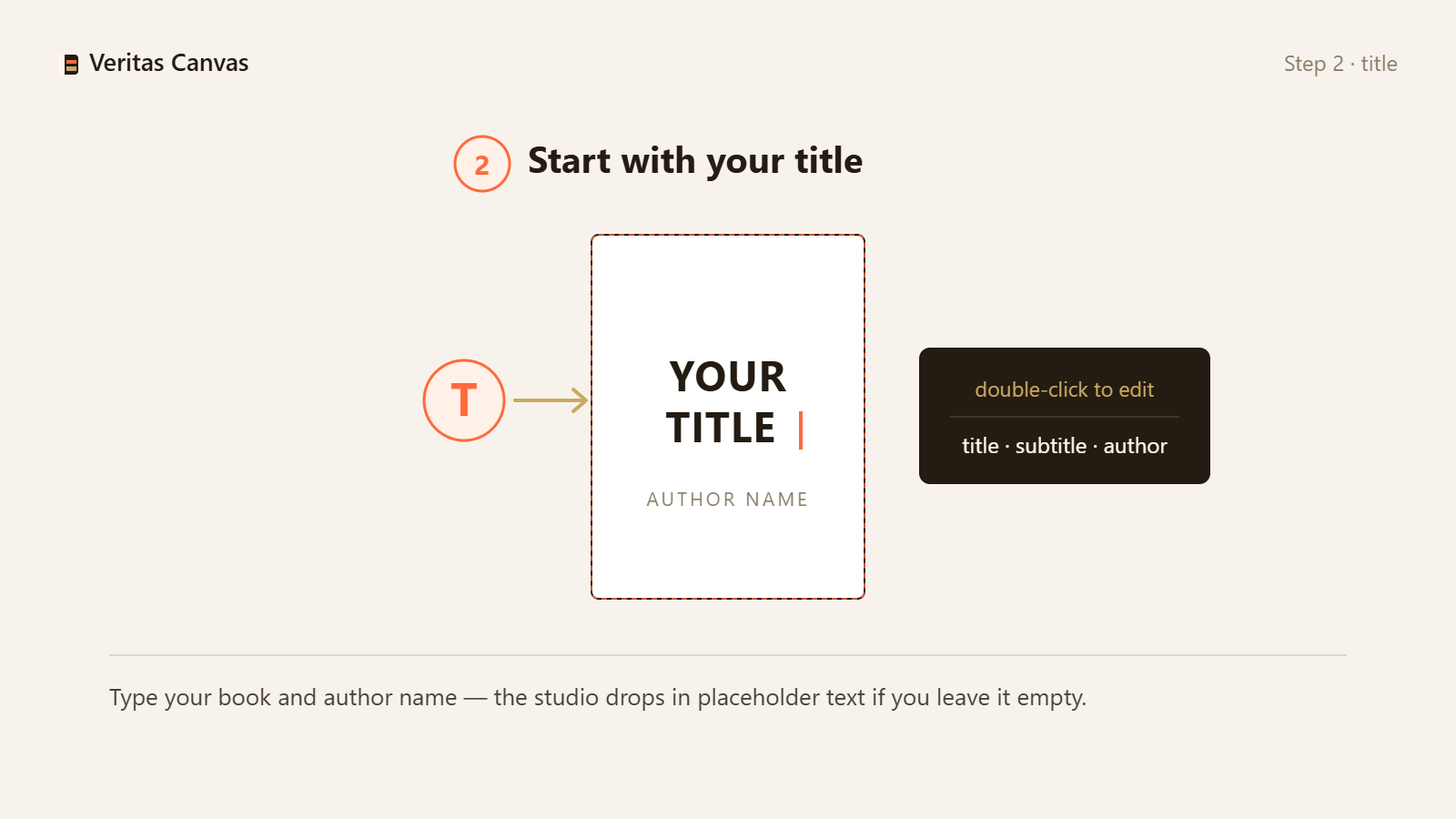
2. Start with your title
On the welcome screen choose “Start from a Template”, then type your book title and author name. The library opens with every design already wearing your words.
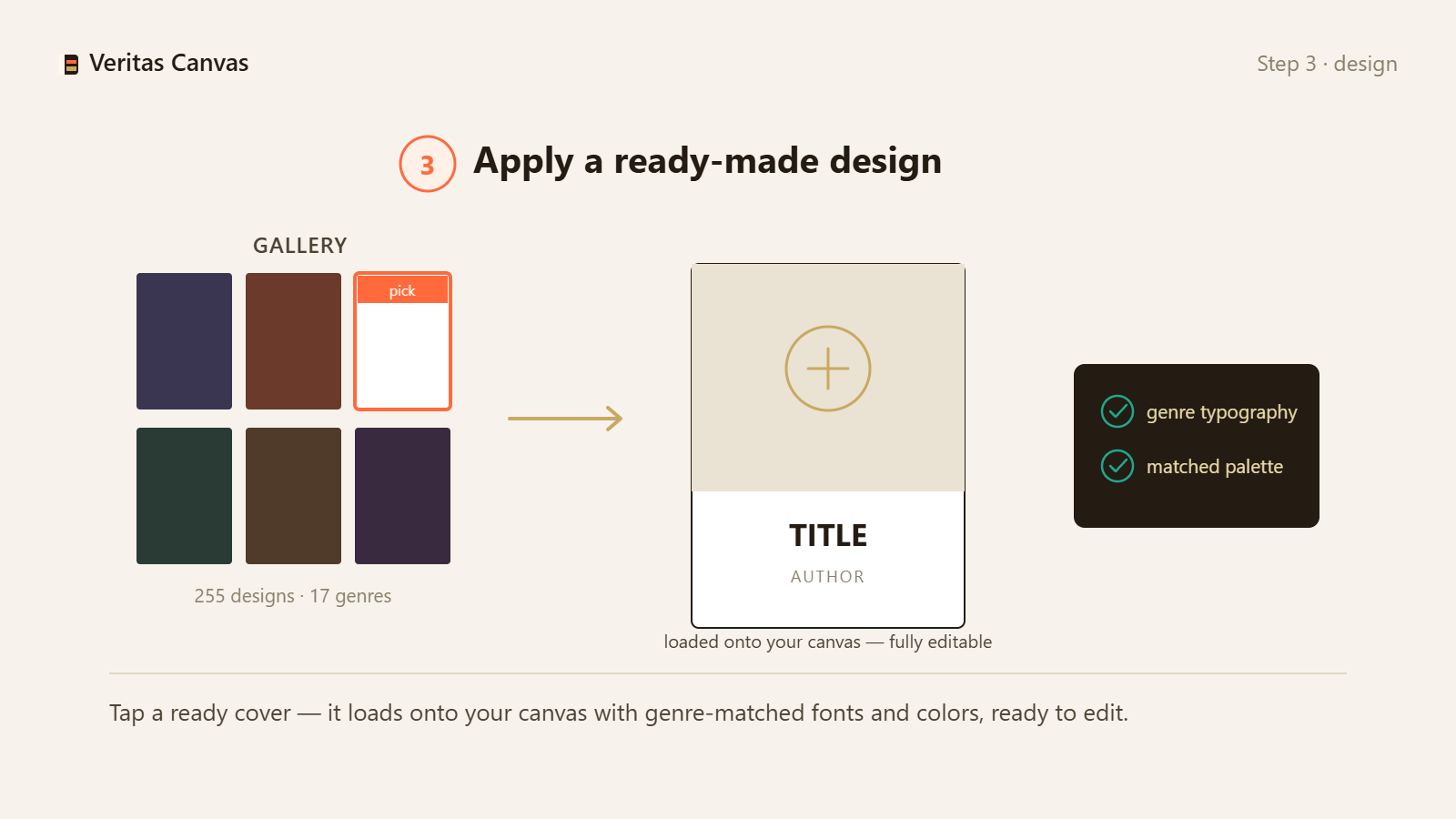
3. Apply a ready-made design
Pick your genre and tap a ★ design. Photo, shading, ornaments and genre typography compose themselves — the adaptive engine keeps your title readable on any image.
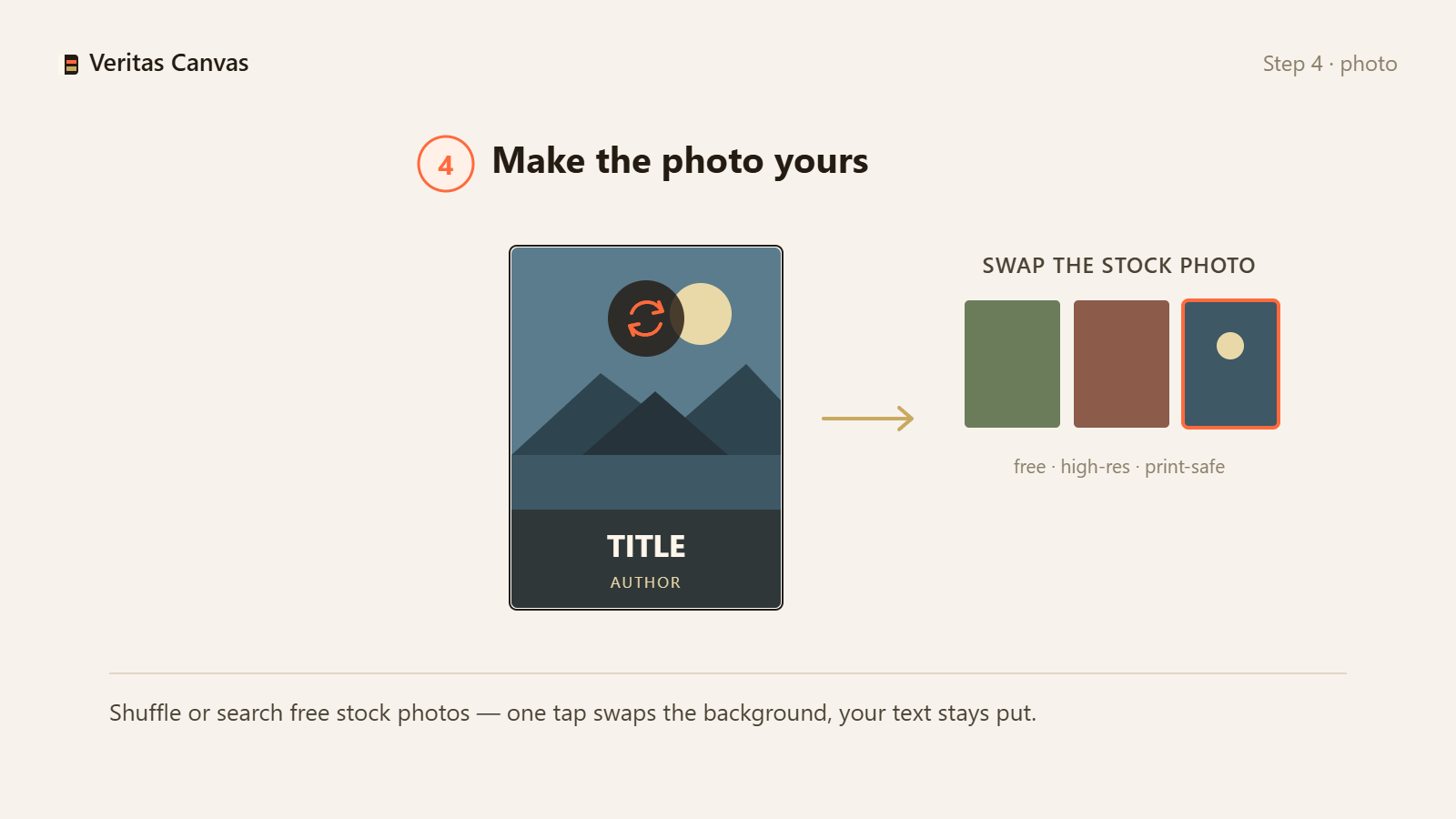
4. Make the photo yours
Open the Stock Photos tab to search Unsplash, or upload your own image. The design re-fits automatically, and contrast backing appears when the photo is bright.
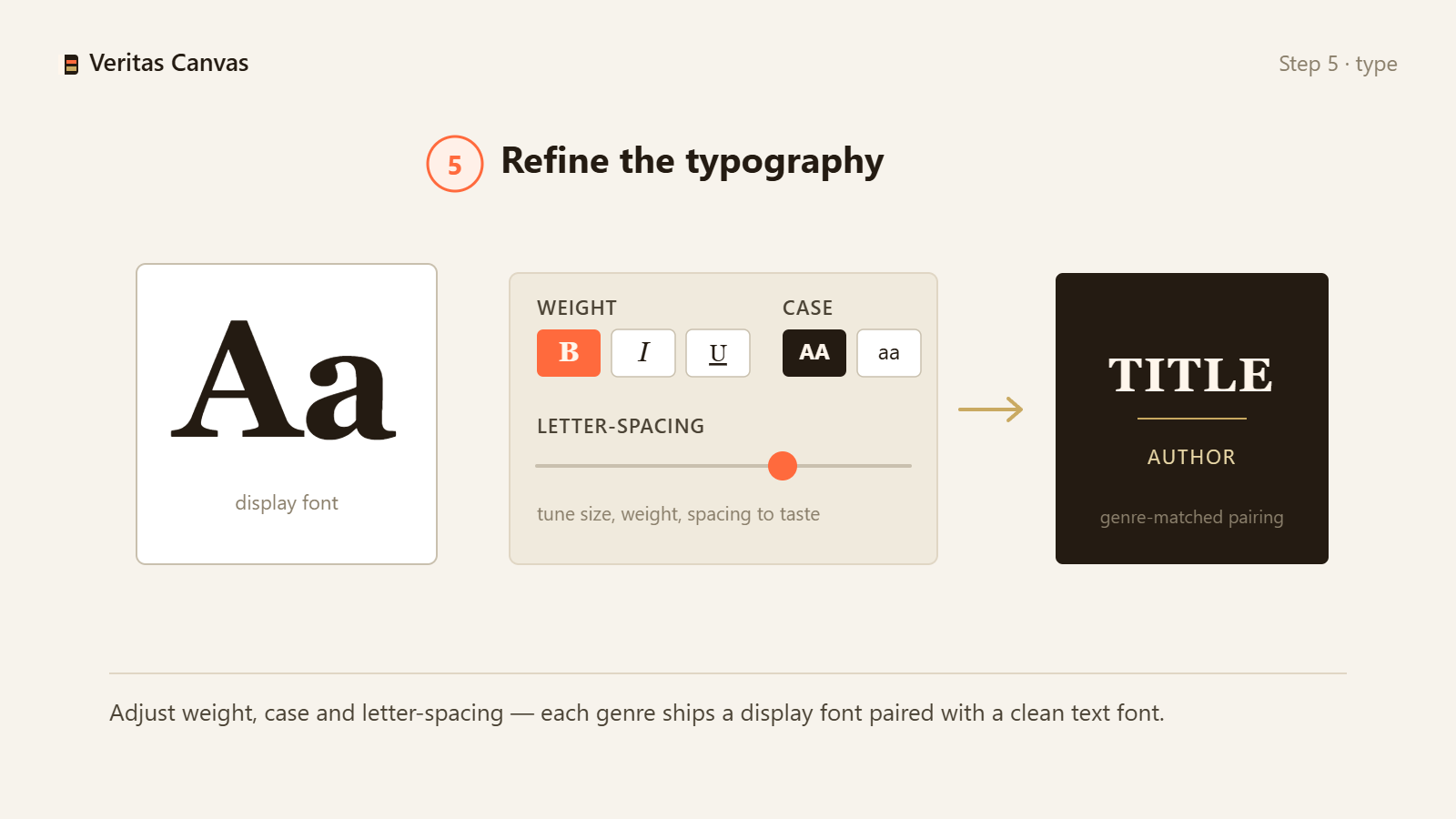
5. Refine the typography
Double-click any text to edit it. Change the font, size and color from the toolbar — exclusive genre fonts included. Drag blocks to reposition; the layout keeps them from colliding.
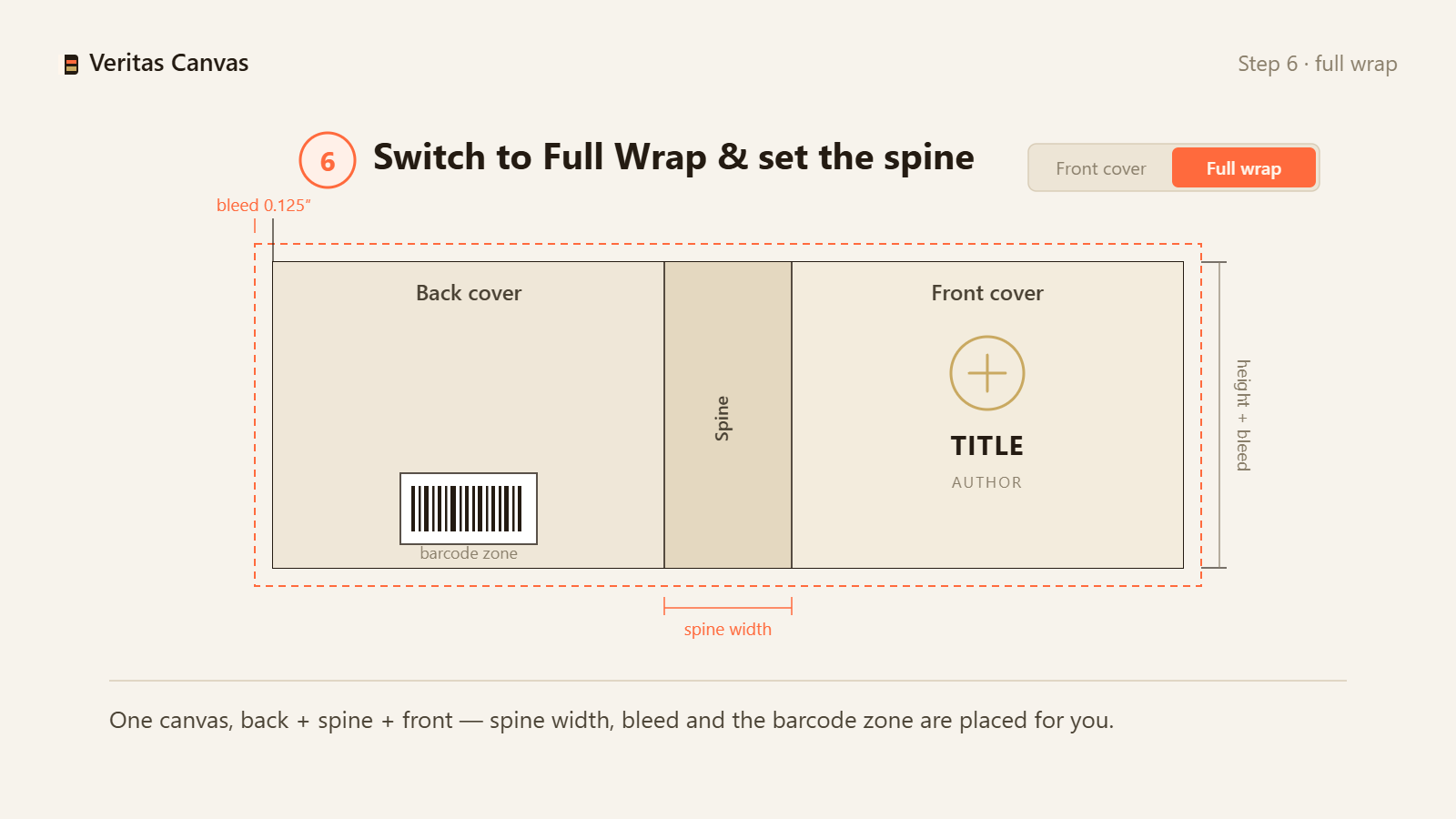
6. Switch to Full Wrap and set the spine
Turn on Full Wrap mode and enter your page count — the canvas resizes and the design re-anchors itself. If your spine is at least 0.25", title and author appear on it automatically. Drop your barcode in the ISBN zone.
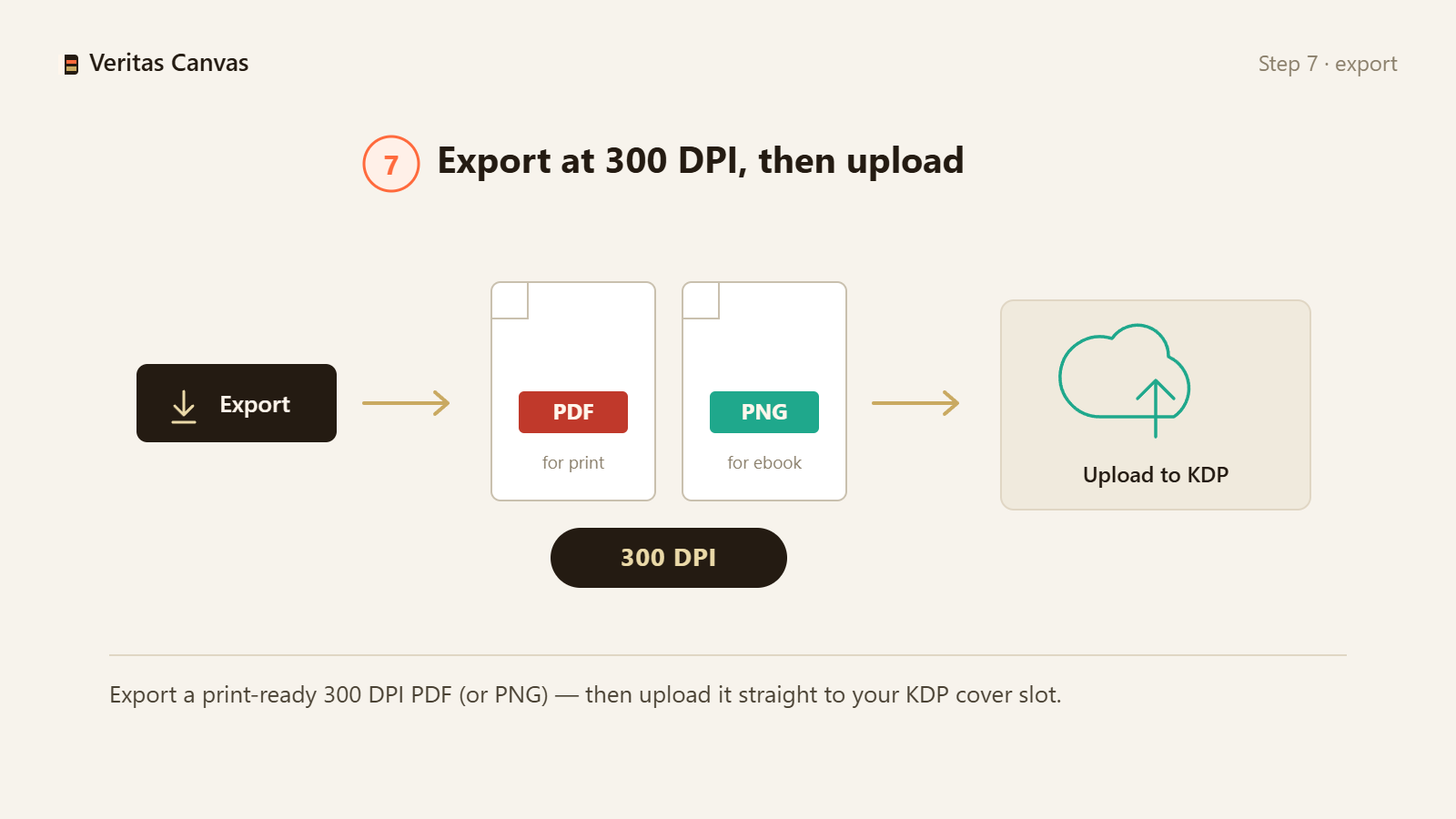
7. Export at 300 DPI and upload
Export a print-ready PNG or PDF at 300 DPI, upload it in KDP's cover section, and confirm everything in Amazon's Print Previewer.
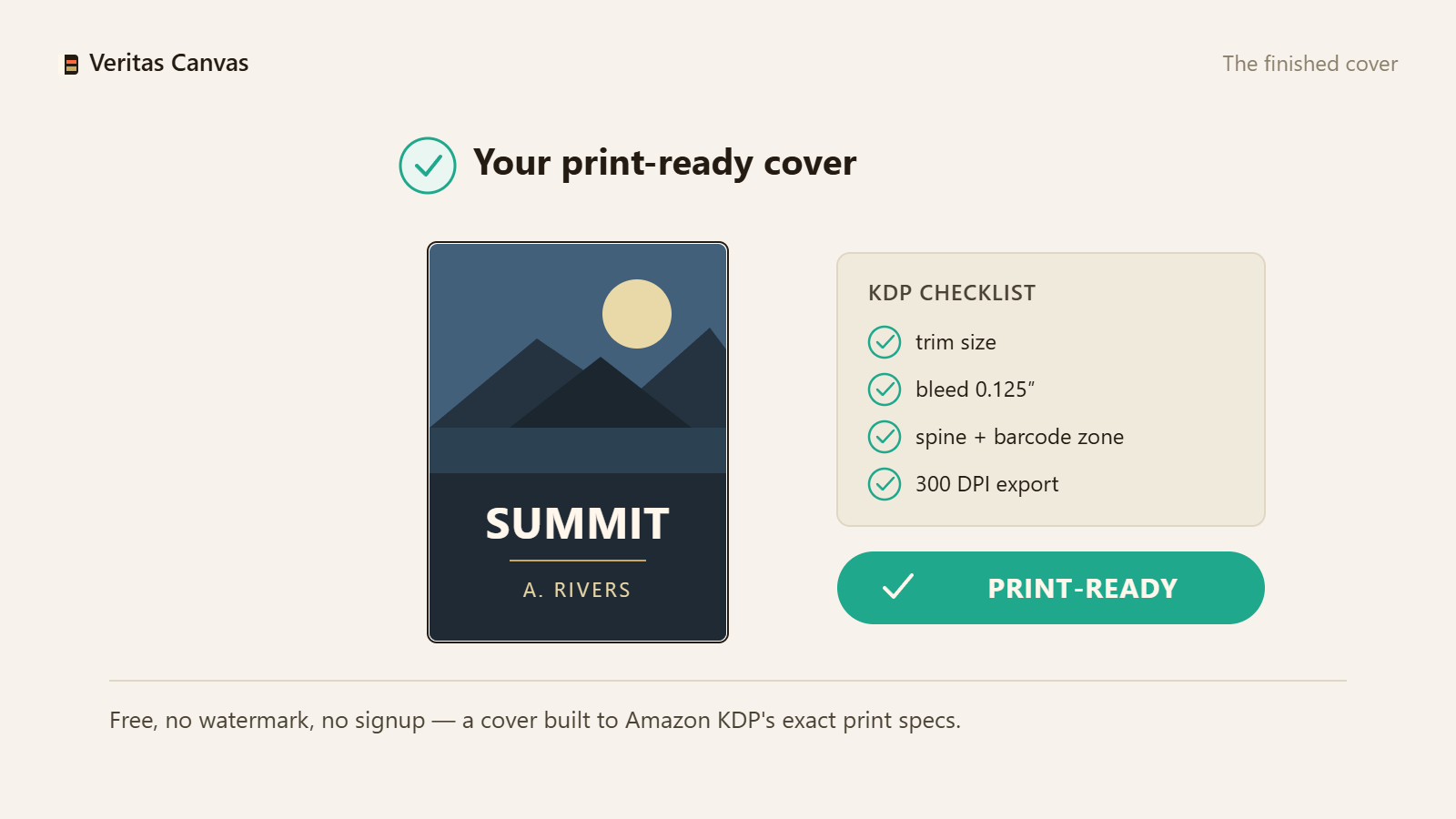
The finished cover
A complete front–spine–back wrap, sized to KDP's exact specification and exported at 300 DPI.
Download the KDP Cover Checklist (PDF)
The 20-point final check before you publish: sizing, typography, genre signal and the KDP upload. Print it and keep it beside your cover.
Email is optional — the PDF downloads either way. Your address is only used for new template and guide announcements; unsubscribe anytime.Start your own cover now
Type your book title — see 255 ready designs with your name on them.
Open the free studio