AI Book Cover Prompts (Midjourney, DALL·E)
Good AI cover prompts describe a composition, not just a scene: a clear focal point, negative space for the title, a genre mood, and a tall portrait aspect ratio. Never ask AI to write the title — generate art only and add real text after. Prompt for the art, then fit it to KDP trim, add typography, and export 300 DPI.
Prompt a composition, not a poster
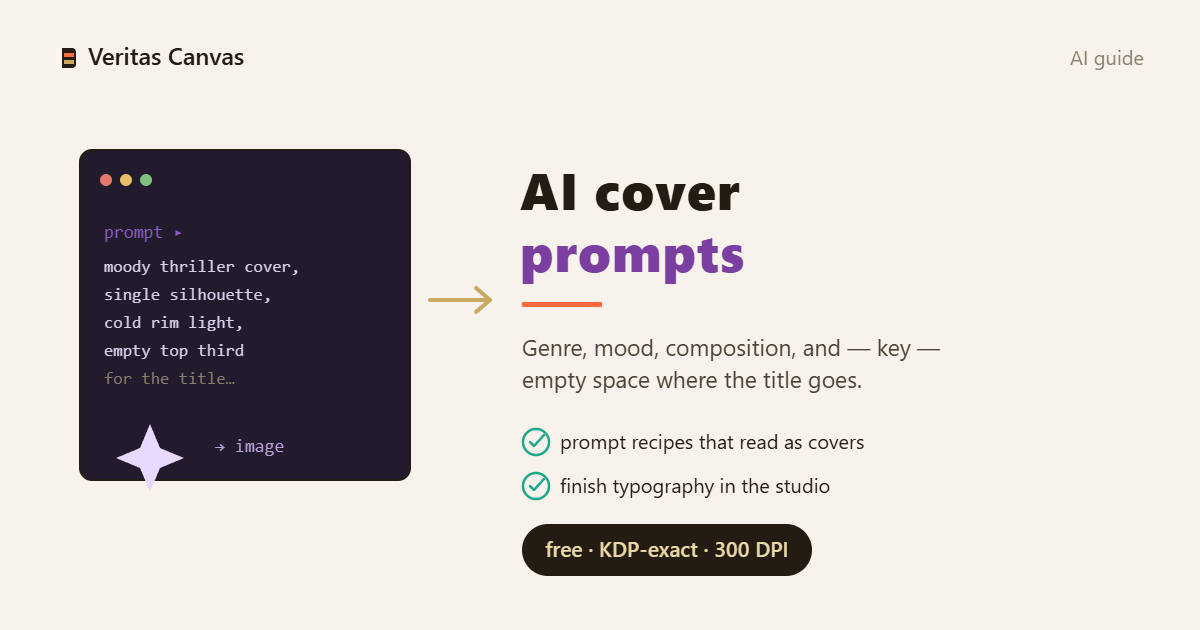
A cover needs a focal point and negative space where the title will go. Add composition words to your prompt: 'centered subject, empty space at top for title, cinematic, book cover composition.' Ask for a single strong subject, not a busy scene — a cover has to read at thumbnail size.
Never prompt the text
AI renders text as garbled nonsense. Don't include your title in the prompt — generate art only, then add the real title and author yourself in editable typography. Trying to fix AI-baked text is a losing battle; keep the words out of the image and put them in as real type afterward.
Ask for portrait + high resolution
Books are tall. Request a portrait aspect ratio (in Midjourney: --ar 2:3) and the highest resolution available — you need 300 DPI at your trim, and upscaling only goes so far. A wide or square generation wastes half the pixels you need for a 6×9 cover.
Match the prompt to the genre
Mood is genre. Thriller: 'dark, high-contrast, fog, cinematic, ominous.' Romance: 'warm light, soft palette, illustrated, tender.' Sci-fi/fantasy: 'epic, atmospheric, dramatic light, vast scale.' Feed the genre's visual language into the prompt so the art signals the right shelf before a word is read.
From prompt to print-ready
The prompt is step one. The generated art still needs the KDP treatment: fit to trim + bleed, real title/author typography, a spine for paperback, and a 300 DPI export. Prompt for the art — then finish it into an actual, publishable cover.
Recommended resources
- Amazon — self-publishing guide books
Some links below are affiliate links — at no extra cost to you.