How to Make an AI Book Cover KDP-Ready
An AI tool (Midjourney, DALL·E, etc.) generates cover art — but a KDP cover also needs the correct trim size, bleed, a spine sized to your page count, 300 DPI, and real editable title/author text. AI images alone aren't print-ready. The fix is to drop your AI art onto a correctly-sized KDP canvas, add real typography, and export at 300 DPI — the print-ready step AI skips.
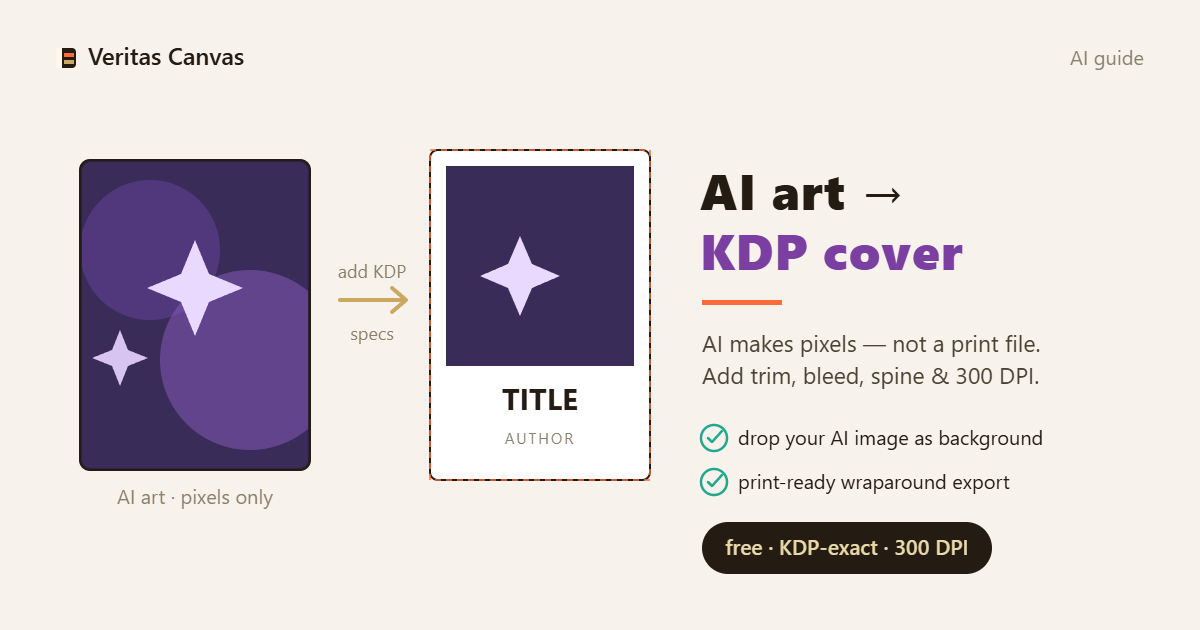
AI gives you art, not a cover
An AI image is a picture, not a book cover. A real KDP cover has a fixed trim size, a bleed margin, a spine sized to your page count, 300 DPI, and editable title/author text — none of which an AI image includes. So the AI output is a starting point, not the finished file; the work that makes it publishable happens after generation.
Fit it to the right size first
AI images come out in arbitrary aspect ratios (square, 16:9). A KDP cover must match your exact trim (6×9, 8.5×11…) plus 0,125 in bleed on the outer edges. Place your AI art on a correctly-sized canvas and crop/scale it to fill — don't stretch the book to fit the image. Get the size right first; everything else follows.
Add real, editable text
Never let AI render your title — AI text comes out garbled and unfixable. Generate art only, then set the title and author in real typography you can edit, position and export crisply. Readable, correctly-placed text is what separates an amateur AI image from a professional cover.
Resolution and 300 DPI
KDP requires 300 DPI at the trim size. Many AI images are lower resolution than they look — a 1024×1024 image is only ~3.4 inches at 300 DPI. Generate at the highest resolution your tool allows (or upscale), then confirm the final canvas is 300 DPI at your full trim. Blurry or pixelated covers get rejected.
Front, spine and back (full wrap)
AI usually gives you a front only. A paperback needs a full wrap — front + spine + back — as one file, with the spine width from your page count and the back kept clear for the barcode. Build the AI art into a full-wrap KDP template so the print file is complete, not just a pretty front.
Recommended resources
- Amazon — self-publishing guide books
Some links below are affiliate links — at no extra cost to you.