Adapting a Canva Cover for KDP: Common Mistakes and Fixes
Canva is a great design tool, but it isn't built for KDP print covers: its default templates have no bleed, no spine math and no barcode zone. A cover exported from Canva usually fails KDP's checks on size and spine. The fix is to reseat the design in a setup that knows KDP's rules.
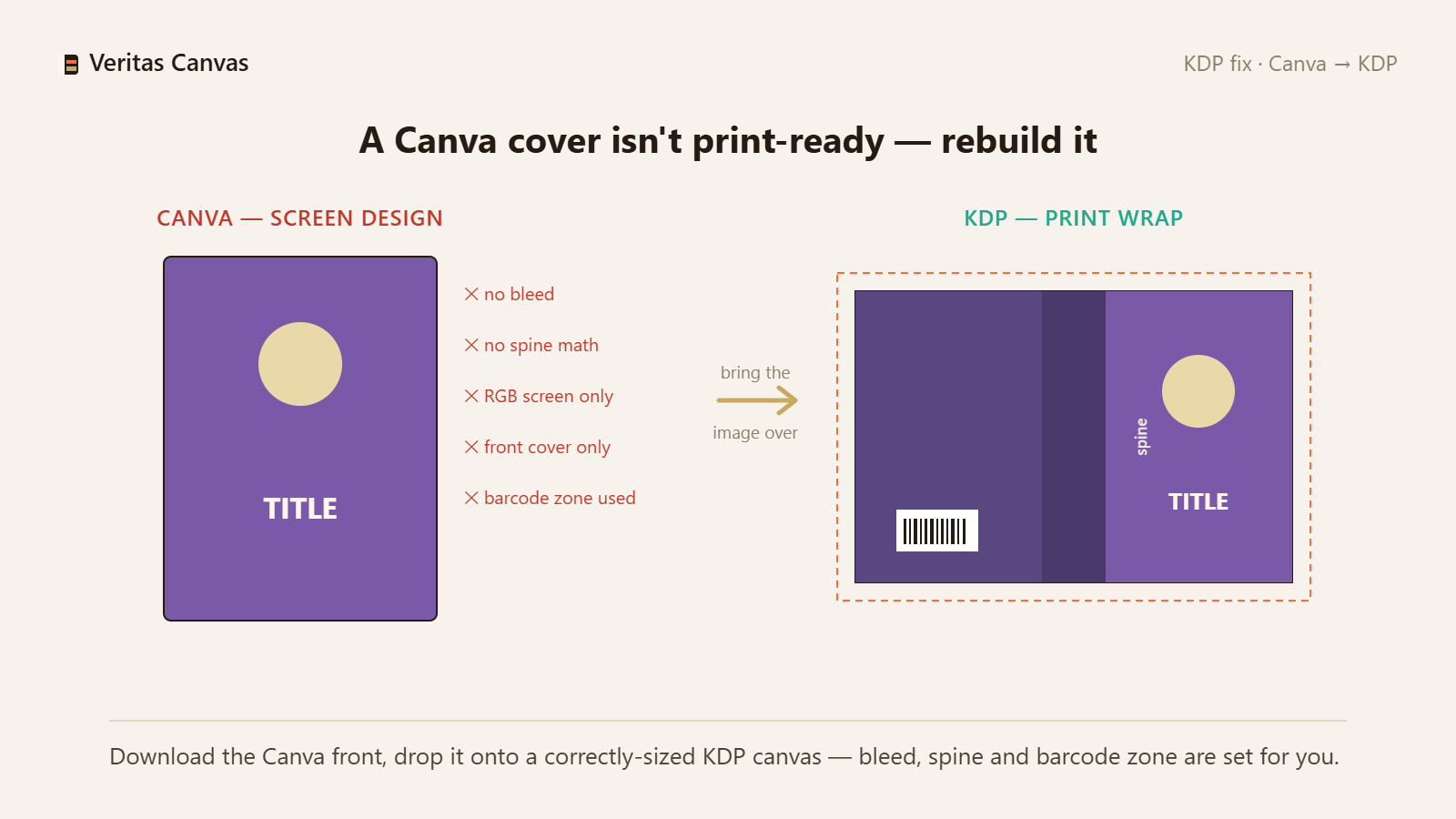
1. Why a Canva export fails KDP
Canva's standard cover templates are made for the screen: there's no bleed, the spine width isn't calculated from your page count, colors are screen (RGB) rather than print, and no barcode zone is left clear. A print cover, by contrast, must be back + spine + front in one piece, with bleed.
2. Determine the correct size and spine
Start with your KDP trim size and page count. Spine = pages × paper thickness. Full-wrap width = 2×trim + spine + 0.25 in. Those three numbers frame the correct cover; our calculator gives all of them.
3. Bring your design over, rebuild the size
Download the front-cover image from Canva; open a new canvas at the correct KDP size in Veritas Canvas and load the image as the background. The studio sets bleed, safe zone and spine automatically — you only adjust the title and layout.
4. Complete the wrap and export at 300 DPI
Switch to full-wrap, enter your page count; the back cover and spine appear and the barcode zone stays clear. Export the print-ready PDF at 300 DPI and upload to KDP. Now it passes.
Can I upload my Canva cover straight to KDP?
For the ebook front cover, often yes. For paperback, no: Canva leaves no bleed, spine or barcode zone by default, so the file gets rejected.
Will I lose the design I made in Canva?
No. Download the front-cover image and bring it into a correctly sized canvas as the background; you rebuild the typography here, print-ready.
Why do I need a separate tool?
Because the problem isn't the design — it's the print size. A setup that knows KDP's rules (bleed, spine, barcode) gets the file through on the first try.
Is this free?
Yes — no signup, no watermark, 300 DPI full-wrap download included.