RGB or CMYK for KDP Covers? The Correct Color Setup
For Amazon KDP you upload your cover in RGB (sRGB) for both print and ebook — not CMYK. KDP's print pipeline converts RGB to CMYK automatically; converting it yourself is a common cause of dull, shifted or rejected covers. Design at 300 DPI in the sRGB color profile.
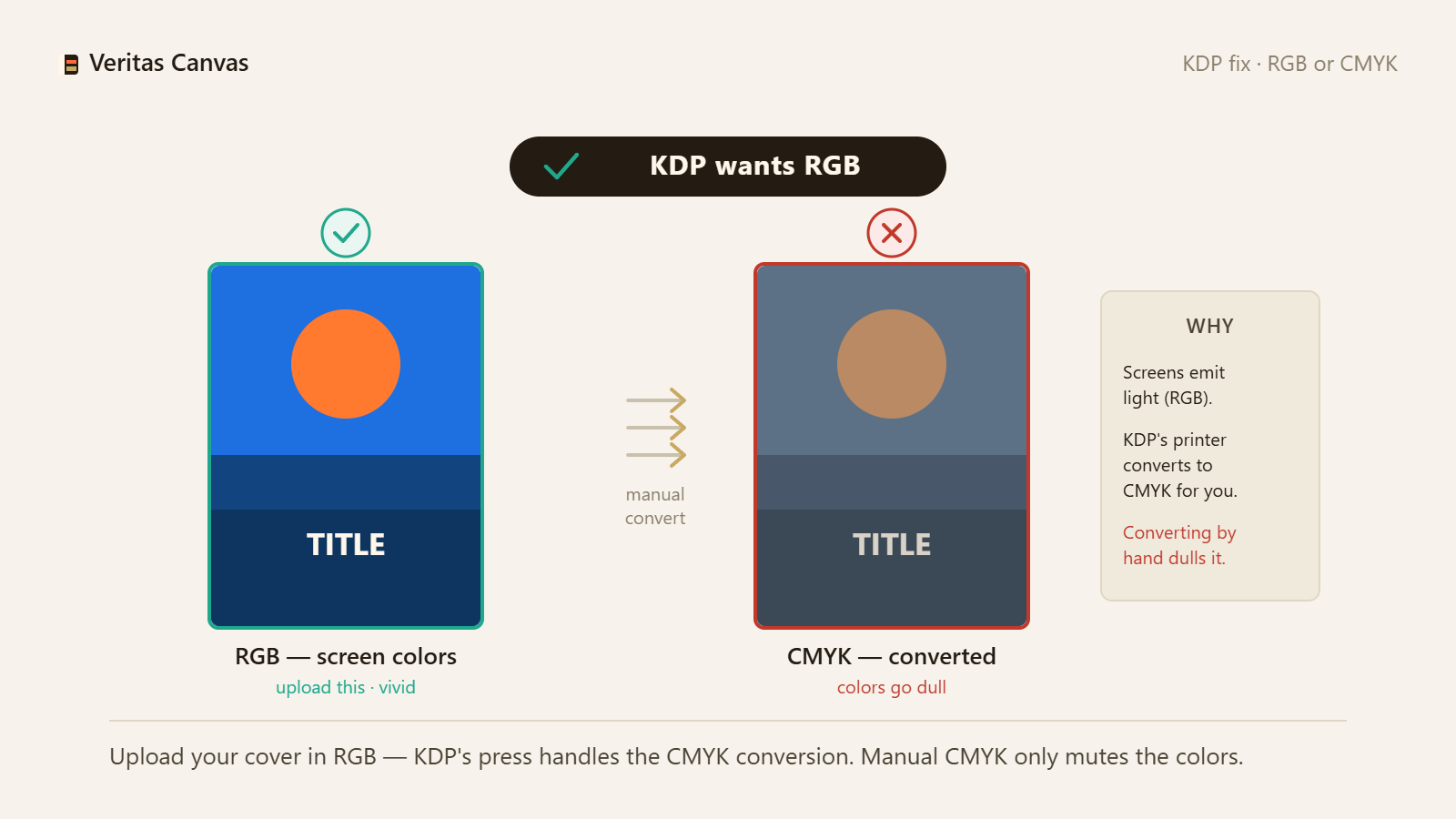
1. KDP wants RGB, not CMYK
Amazon KDP accepts and expects RGB files for both print and ebook covers. Its printing system converts your RGB to CMYK internally at production. Do not convert to CMYK yourself — a CMYK PDF often prints with shifted colors or gets flagged. Fix: keep your cover in RGB and let KDP handle the print conversion.
2. Why the CMYK myth persists
Traditional offset printing needs CMYK files, so most “print” advice online says convert to CMYK. Amazon KDP is a modern print-on-demand pipeline that takes RGB in and converts on its side. Following generic print advice here works against you. Fix: use KDP-specific settings, not offset-press habits.
3. Use the sRGB color profile
Within RGB, use the sRGB color space — the safe default KDP expects and what screens and the KDP converter assume. Wide-gamut profiles (Adobe RGB, ProPhoto) can shift on conversion. Fix: export as sRGB; if your tool asks, embed the sRGB profile.
4. Expect print colors slightly duller than screen
Screens (RGB) show more vivid colors than ink (CMYK) can reproduce. Very bright neons, pure blues and vivid oranges lose some punch in print — this is normal, not an error. Fix: don't rely on neon; pick colors with a little margin and check KDP's Print Previewer.
5. 300 DPI at the exact print size
Color is only half the job: the file must be 300 DPI at your trim size with bleed, or it prints blurry regardless of color mode. A 6×9 front cover with bleed is 1838×2775 px. Fix: export at 300 DPI, RGB, at the full-wrap size.
6. Ebook covers are RGB too
Ebook covers are shown on screens, so RGB (sRGB) is correct there as well — CMYK is never needed for ebooks. The recommended ebook cover is 1600×2560 px. Fix: one RGB workflow covers both your print and ebook cover.
Does Amazon KDP want RGB or CMYK?
RGB. Upload your cover in the sRGB color space for both print and ebook; KDP's print system converts to CMYK on its end. Sending a CMYK file often shifts colors or triggers a warning.
Why do my printed colors look different from my screen?
Screens use RGB light and show more vivid colors than CMYK ink can print, so some bright tones look duller on paper. That gamut difference is normal. Design in sRGB and avoid pure neons for the most predictable print.
What color profile should I use for a KDP cover?
sRGB. It is the safe, expected RGB profile for KDP. Avoid wide-gamut profiles like Adobe RGB or ProPhoto, which can shift when KDP converts to print.
Does Veritas Canvas export the right color settings?
Yes. It builds and exports your cover in RGB at 300 DPI, at the correct KDP size — free, no signup, no watermark. You upload it to KDP as-is.