Why Was Your KDP Cover Rejected? 7 Causes and Fixes
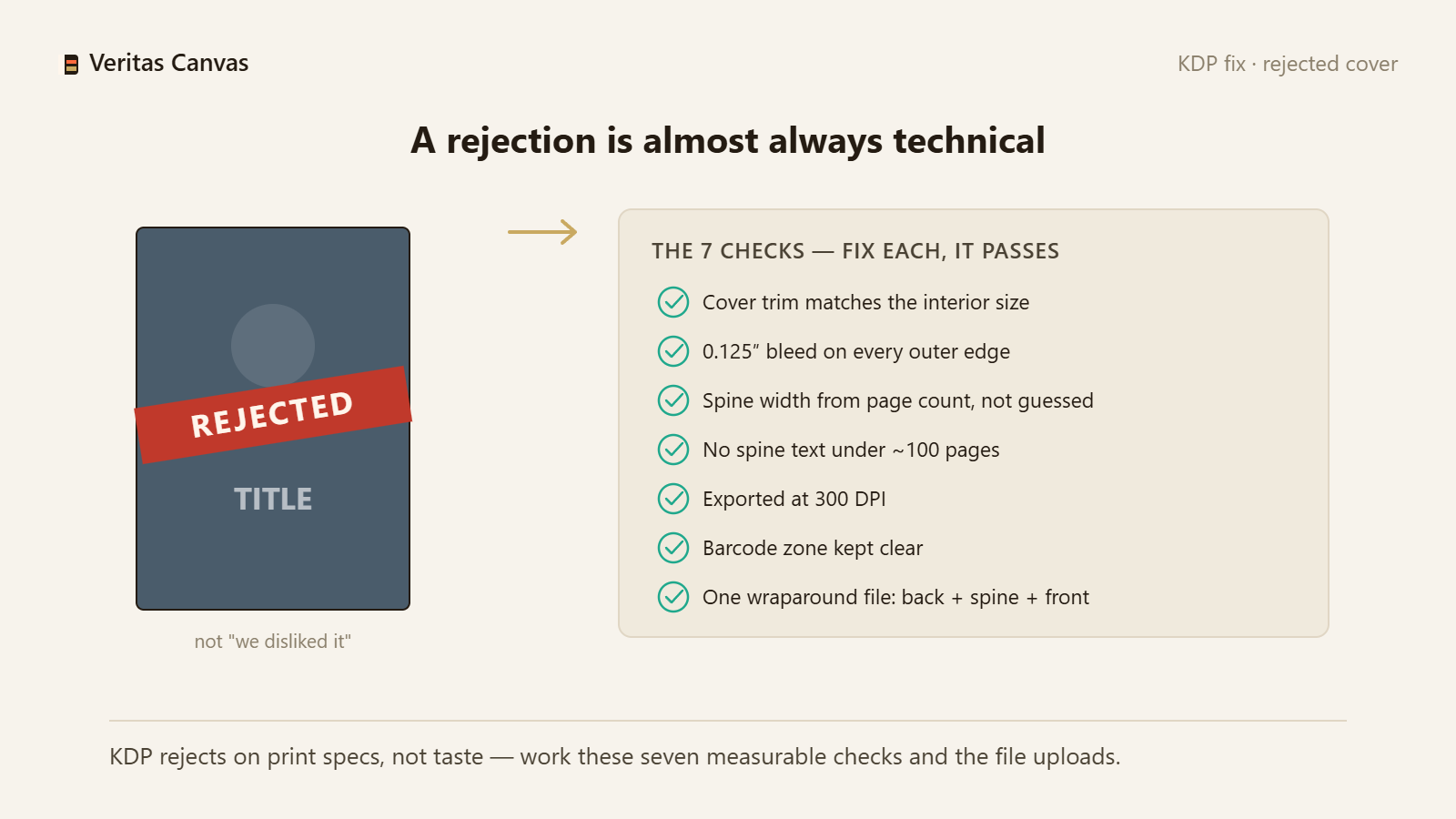
A KDP cover rejection is almost never “we didn't like the design”; the cover doesn't meet print specs. The usual causes: the cover trim doesn't match the interior, there's no bleed, the spine width is miscalculated, text sits on a thin spine, the resolution is under 300 DPI, the barcode zone is occupied, or the file isn't a single full-wrap. All seven are measurable, fixable errors.
1. Cover trim doesn't match the interior
KDP expects the cover's trim size to match the book's interior exactly. Choosing a 6×9 interior and uploading a 5×8 cover gets rejected. Fix: note your book size in KDP and build the cover at exactly that size.
2. Bleed is missing
Print requires 0.125 in (3.2 mm) of bleed on every outer edge, and the background must reach all the way out. A white strip at the edge means no bleed. Fix: extend the background past the edges, beyond the trim line.
3. Spine width is wrong
Spine = page count × paper thickness (white 0.002252, cream 0.0025 in/page). A guessed spine shifts the front and back covers. Fix: calculate the spine from the formula; our calculator gives the exact value.
4. Text on a thin spine
If the spine is under 0.25 in (roughly below 100 pages), KDP won't accept spine text. This is the number-one correction request. Fix: remove spine text on a thin spine and leave it a solid color.
5. Resolution under 300 DPI
An image that looks fine on screen prints blurry. KDP requires 300 DPI. Fix: export at 300 DPI; a 6×9 front cover with bleed is 1838×2775 pixels.
6. Barcode zone occupied
If important text or a face lands in the 2×1.2 in barcode area at the back cover's lower right, KDP flags it. Fix: keep that corner clear on a simple background.
7. File isn't a single full wrap
The print cover must be one PDF/PNG containing back + spine + front; KDP never merges parts. Uploading only the front gets rejected. Fix: export a single file in full-wrap mode.
Why won't my KDP cover upload or why is it rejected?
Almost always a size mismatch: the cover trim doesn't match the interior, there's no bleed, or the resolution is under 300 DPI. Work through the seven items above in order.
Do I have to remake a rejected cover from scratch?
Usually no — most rejections come from a single technical error. But if the file was built at the wrong size, rebuilding it at the correct size is faster than patching. Veritas Canvas sets the correct size from the start.
What does the KDP Print Previewer do?
Opening the cover in KDP's Print Previewer before uploading surfaces trim, spine and safe-zone warnings. No warnings usually means the cover will pass.
Is this tool really free?
Yes. No signup, no watermark. You build your cover at the correct KDP size and download it as a full-wrap 300 DPI file.